
Documentation/Widget overview
Widget overview
What the widget is, what happens when a visitor sees it, and how a casual visit turns into a lead you can call back.
The short version
The LeadReply widget is a small chat bubble that lives on your website. It answers visitor questions instantly using your business information, and when someone wants to hear from you it collects their contact details into your dashboard as a lead. You don't have to be at the computer — the widget keeps your site “staffed” nights, weekends, and holidays.
Life of a visit
Here's exactly what happens, in order:
- A visitor opens your site. The snippet you installed loads the widget. Only the small bubble icon loads at first — nothing slows your page down.
- The greeting appears. Your customized welcome message invites them to ask something or tap one of your .
- The visitor asks a question. They can type freely or tap a suggestion. The AI answers using your FAQs, Knowledge Base, and onboarding context — see How the AI answers.
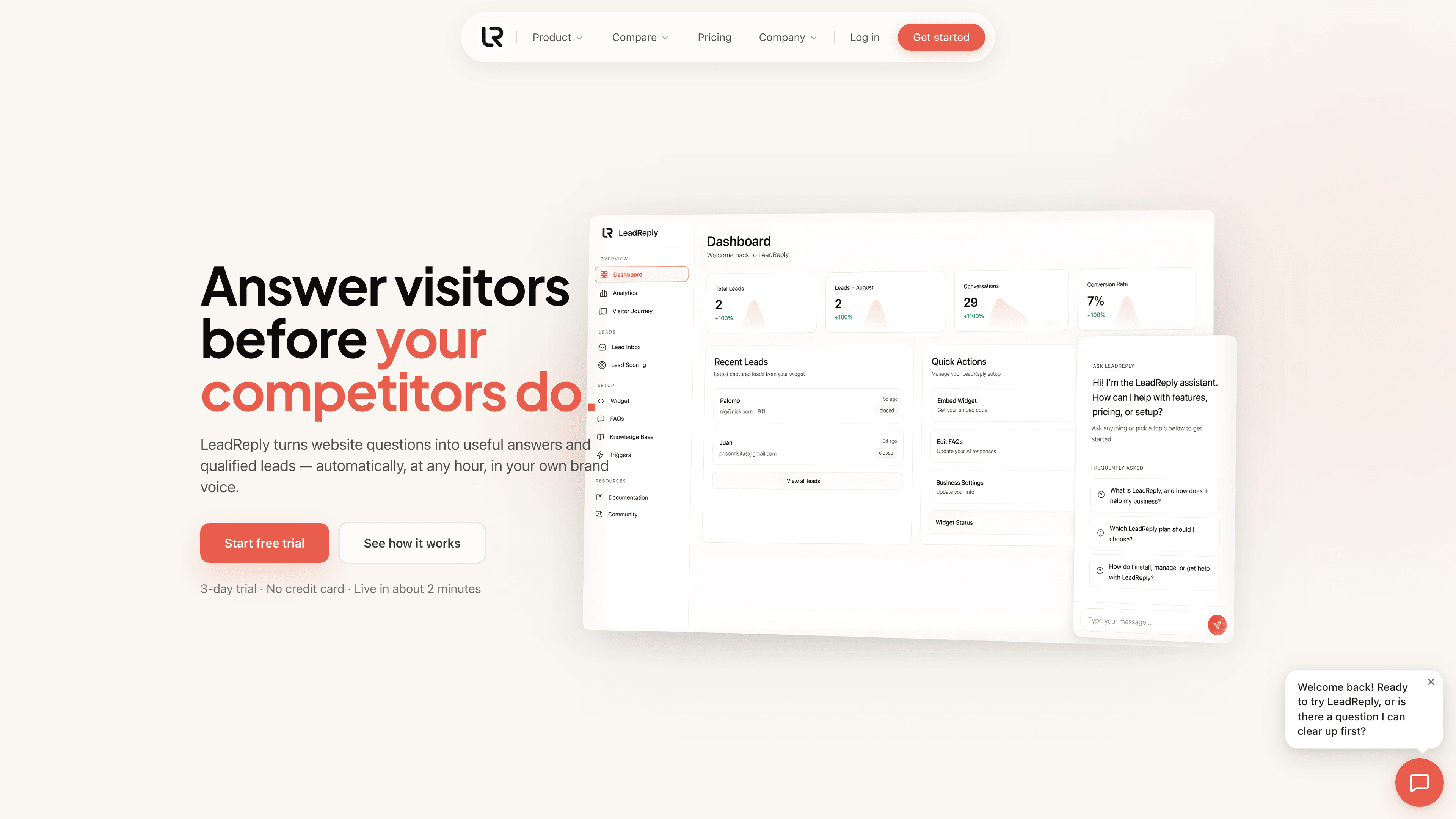
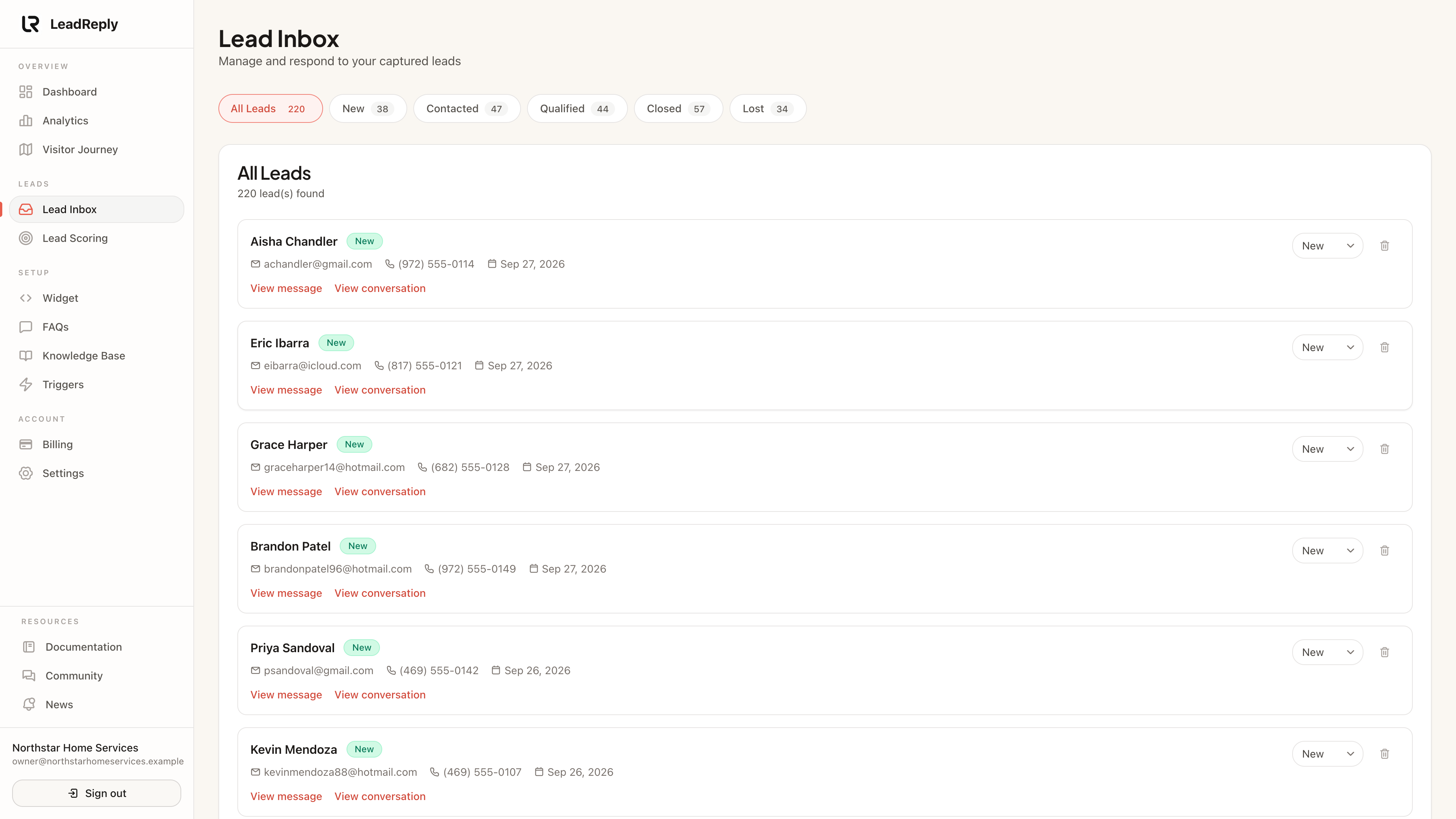
- Interest becomes a lead. When the conversation shows real intent (for example they ask about booking), the widget naturally asks for their name and email or phone number. Once they share it, a lead is created in your inbox.
- You get notified. An email tells you a new lead arrived; the full conversation transcript is saved with it so you have complete context before following up.
And when that visitor comes back another day, they don't have to start over — they can pick up their previous chat with one tap. See Continued conversations.
What every visitor session records
While all this happens, LeadReply quietly builds an analytics record for the visit: which page they landed on, how long they stayed, whether they opened the chat, and where they came from. This powers your Analytics and Visitor Journey pages.
The source is detected automatically: a visitor who taps your link in Instagram shows as Instagram, one who searched shows as Google, and a link tagged ?utm_source=newsletter shows as newsletter. When that visitor becomes a lead, the source is saved with the lead and shown in your inbox, your dashboard and the new-lead email.
Note
What the widget never does
- It never promises or quotes anything you haven't written down — answers come from your content.
- It never shares visitors' contact details with anyone but you.
- It doesn't slow your site: the script is tiny and loaded asynchronously.
Ready to put it on your site? Head to Installing the widget.
Media
Previous
Update your privacy policy
What to disclose, wording to adapt, and a before-launch checklist
Next
Installing the widget
HTML, React, WordPress, Wix, Shopify and Squarespace
Questions & answers
Ask about this page — the LeadReply team and other readers can answer and upvote.
Log in to ask a question, reply, or upvote. Reading is open to everyone.
Loading discussion…